OopisOS 3.7 - Your Friendly Neighborhood LLM Edition
OopisOS v3.7: Your Friendly Neighborhood LLM Edition
A persistent, retro-futuristic Operating System where you don't just use the computer—you talk to it. Hack the system, build your own tools, or create entire narrative games with your new AI copilot. With enforced Portable Mode, your entire digital world, now with its own resident intelligence, can live on a USB drive and travel with you. This isn't just a simulation; it's a complete, self-reliant ecosystem for work, creativity, and play.
What is this place?
You've discovered OopisOS, a sophisticated operating system simulation that is radically self-reliant, running as a standalone desktop application. It's a persistent, self-contained world built on the core principles of privacy, security, and exploration. Thanks to a robust Virtual File System (VFS) powered by IndexedDB, everything you do—every file you create, every user you add, every command you type—will be here waiting for you the next time you boot up.
It's a love letter to the command-line interfaces of yore, but with a modern, modular twist perfect for creating your own fun. Lovingly crafted by a human (Andrew Edmark) and his trusty AI sidekick (Gemini), OopisOS is an ode to the joy of computing.
Major Strides in v3.7
The OS has evolved significantly, becoming a more powerful and versatile creative suite.
Your AI Copilot, On Your Terms: The
geminicommand is now a versatile AI gateway. Chat directly with your own local models via Ollama or LM Studio, or use the default provider for powerful, file-system-aware tool use.The AI Librarian: The
chidiapplication now accepts piped input fromfind, allowing you to create dynamic document sets for analysis on the fly.Creative Suite Expansion: Now includes a full
BASICIDE (basic) for retro programming and a personal journaling system (log).Enforced Portability: Portable mode is now standard. OopisOS runs entirely from its own folder, storing all user data in a
datasubdirectory. No installation, no traces left behind.Hardened Security & System Integrity: A formalized security policy,
sudo/visudofor privilege escalation, and a full suite ofbackup,restore, andcksumtools ensure your world is secure and verifiable.
The Core Experience (The Gameplay)
In OopisOS, the system is the game. Traditional OS features are your gameplay mechanics in a world that is your digital sandbox.
Explore a Persistent Digital World: The core of the experience is a hierarchical file system that remembers your every change. Create directories (
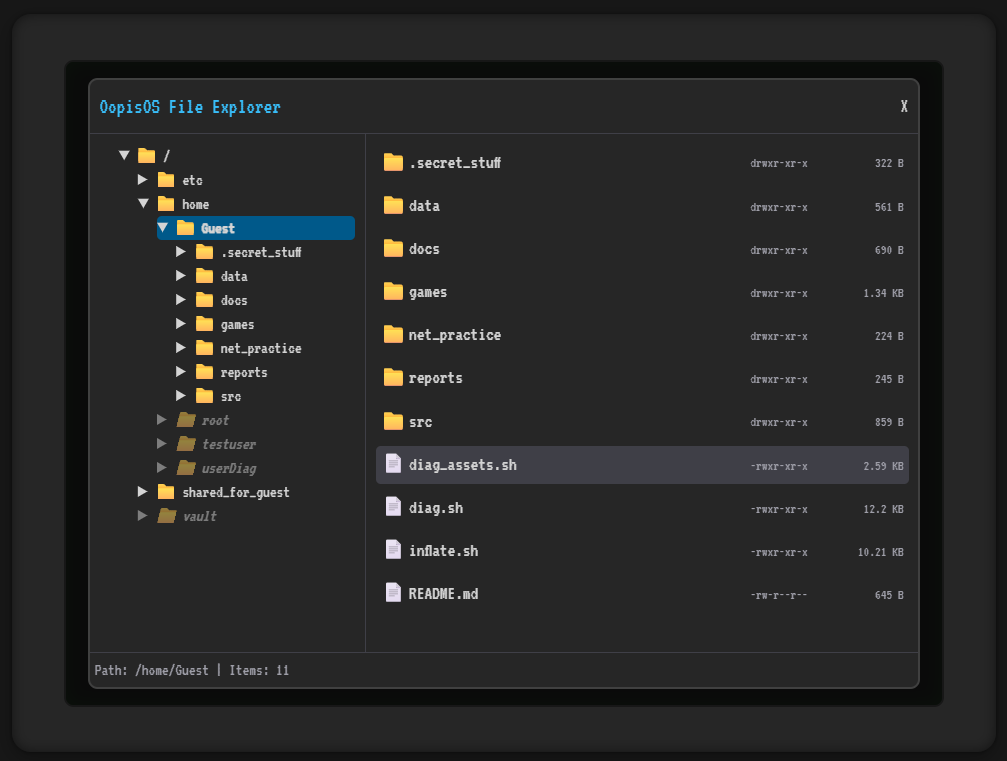
mkdir), leave secret notes (edit), uncover the system's structure (ls,tree), and find what you're looking for with a powerfulfindcommand.Administer the System with
sudo: Assume administrative powers safely. Use thesudocommand to execute commands with elevated privileges, governed by the/etc/sudoersfile you can safely modify withvisudo.Master True Multi-User Security: The permission system is a gameplay mechanic. Create users (
useradd) and groups (groupadd). Lock down files, create secret directories, and manage access for different users usingchmod,chown, andchgrp.Wield Powerful AI Assistants:
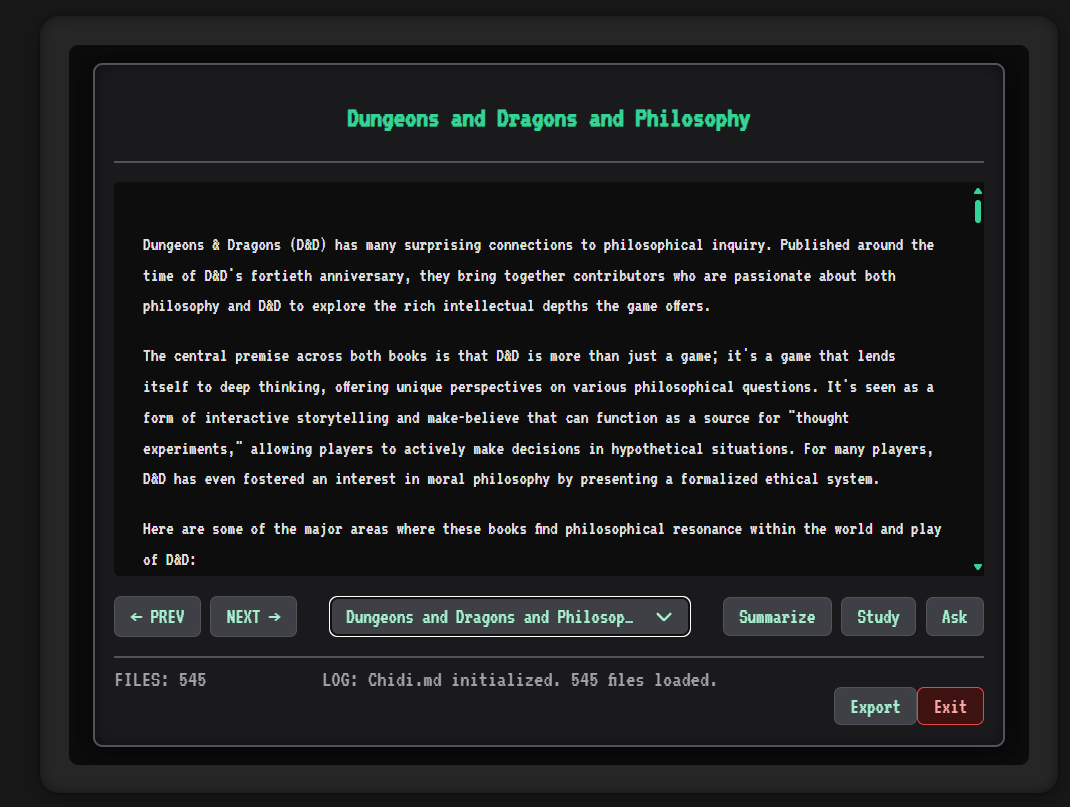
chidi: The "AI Librarian." Launch a dedicated application to analyze your Markdown files. It recursively finds all.mdfiles in a path and lets you use AI to summarize, study, and ask questions about them.gemini: The resident, tool-using AI. Use thegeminicommand to ask it questions. It can use system tools likels,cat, andfindto understand the world state and give you better answers.
Connect to the Real Internet: Use
wgetto download files from the web directly into your virtual file system. Usecurlto fetch data from APIs.Automate the World: Write your own scripts (
.sh) orBASICprograms (.bas) to automate tasks or create narrative events. The scripting engine supports argument passing, allowing you to create truly interactive programs.Your In-Game Creative Suite:
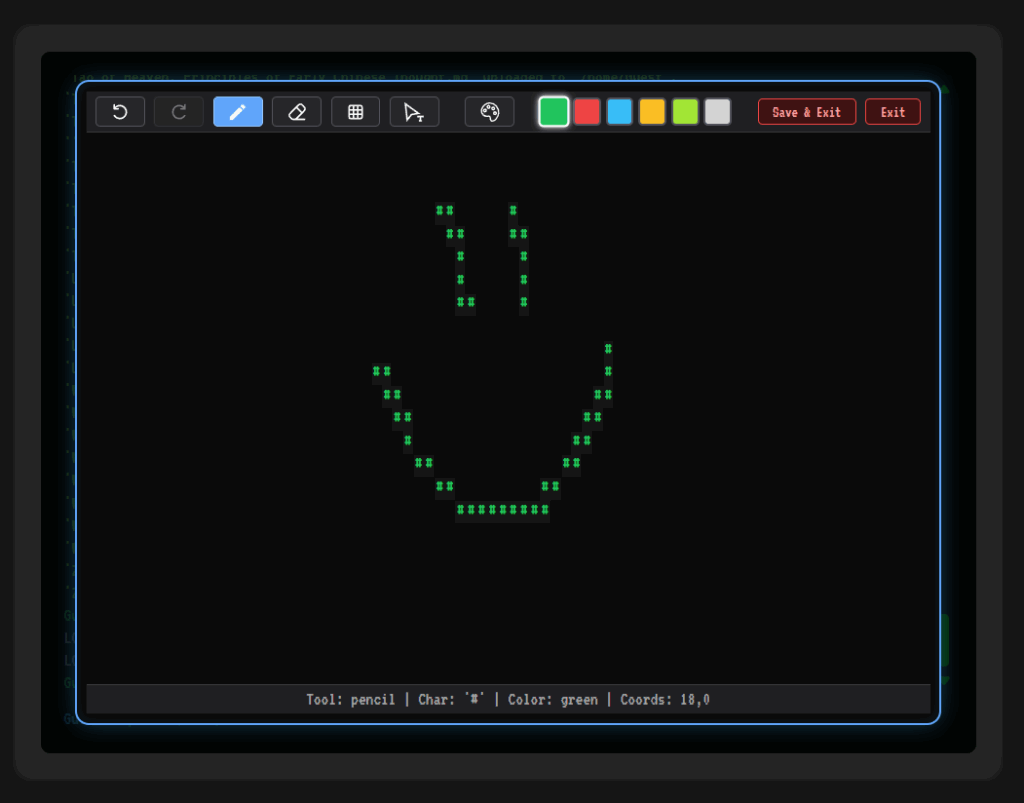
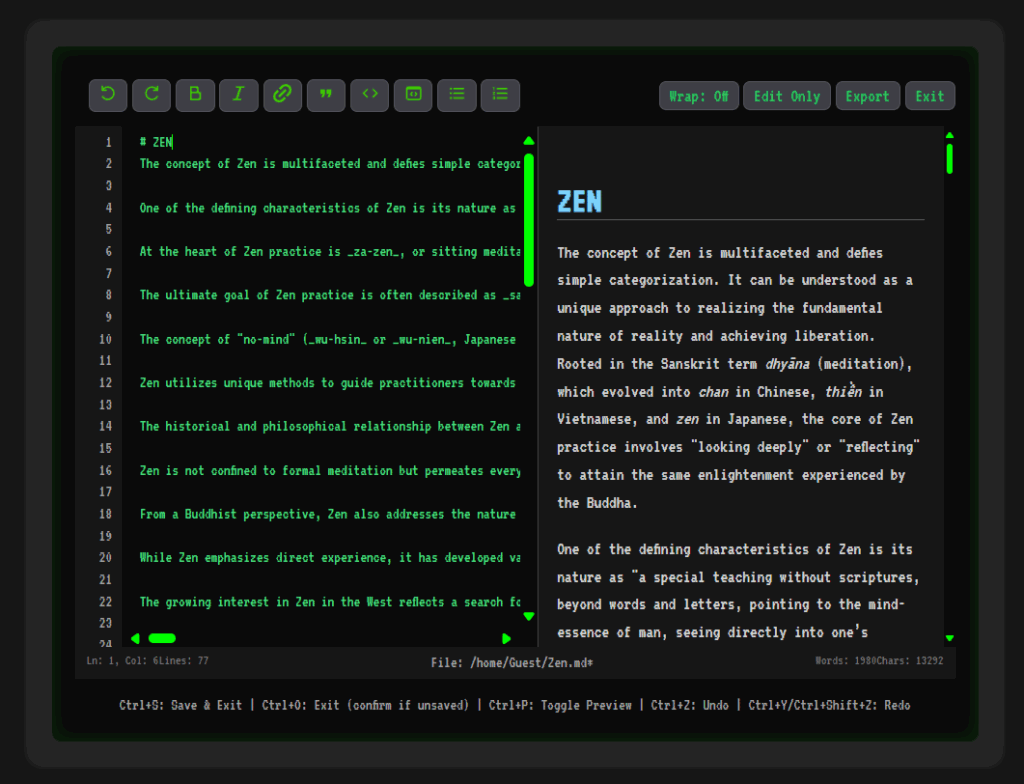
edit: A powerful development environment with live Markdown and HTML preview.paint: A full-screen character-based art editor for creating ASCII and ANSI art masterpieces.adventure: Play the built-in text adventure, "The Architect's Apprentice," or use the engine to create and run your own JSON-based games.
A Modder's Paradise: Your Engine for Text-Based Worlds
This is where OopisOS truly shines for creators. Its modularity makes it a powerful and accessible engine for building your own interactive experiences.
Adventure Game Creation: The
adventurecommand now includes a--createflag, launching an interactive editor to build your own game worlds, from rooms and items to NPCs and puzzles.Visual World-Building with
paint: Create in-game maps, item art, or stylized narrative screens using the character-based paint editor.Powerful Scripting: The
runcommand is your key to creating interactive events. Write scripts that display text, change the world state, and use environment variables to track player choices.A Sandbox of Discovery: What happens if you
rm -r -f /as therootuser? (Don't worry, theresetandrestorecommands are your safety net). Can you write a script that creates other scripts? The system is your playground for emergent storytelling.
You have a complete, self-contained universe for creating, playing, and sharing text-based and narrative-driven games.
Your First Session
Ready to dive in? Here's how to get started:
Boot Up: Just launch the application. You'll start as the
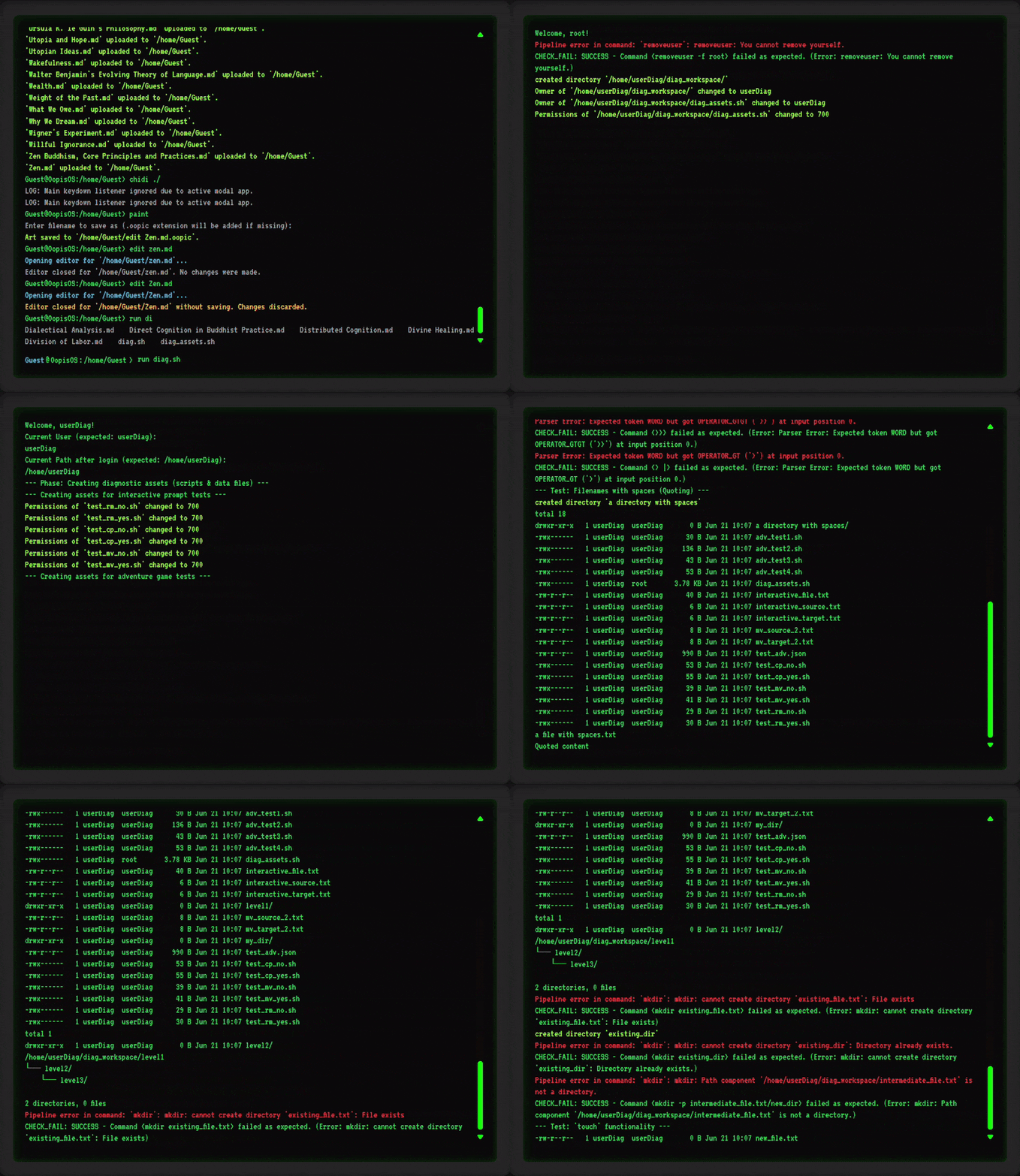
Guestuser.Inflate the World: The file system is a blank canvas. To populate it with a rich set of example files, directories, and scripts to play with, run the command:
run /extras/inflate.shExplore: Once the script is finished, type
treeto see your new world. Read theREADME.mdfile (cat README.md) for more hints!
What will you create?
How to Run OopisOS
Welcome to OopisOS v3.7, "Your Friendly Neighborhood LLM Edition". As a standalone desktop application, getting started is easier than ever. There is no installation or local server required.
1. Unzip the Application
First, unzip the OopisOS file you downloaded to a folder on your computer. Inside, you will find the OopisOS application executable.
2. Run the Application
Simply double-click the OopisOS application file to launch the operating system.
That's it. You're ready to explore.
Your World, Anywhere: Portable Mode
OopisOS is portable by design. All your data—users, files, and settings—is automatically stored in a data folder created right next to the application executable. This means you can keep the entire OopisOS folder on a USB drive, take it to another computer, and launch it with your complete world intact. Your digital environment is never tied to a single machine.
Download
Install instructions
How to Run OopisOS
Welcome to OopisOS v3.6, "The Portable Edition". As a standalone desktop application, getting started is easier than ever. There is no installation or local server required.
1. Unzip the Application
First, unzip the OopisOS file you downloaded to a folder on your computer. Inside, you will find the OopisOS application executable.
2. Run the Application
Simply double-click the OopisOS application file to launch the operating system.
That's it. You're ready to explore.
Your World, Anywhere: Portable Mode
The defining feature of this version is true portability.
By default, OopisOS will store all your data—users, files, and settings—in a data folder created right next to the application executable. This means you can keep the entire OopisOS folder on a USB drive, take it to another computer, and launch it with your complete world intact. Your digital environment is no longer tied to a single machine.